Motion reference: the performer kicks the upper of two stacked bottles while the lower bottle stays on the table. This is the scene supplied to the generator.
History
Video history
Loading history…
A familiar face, a surprising little scene
Turn one subject image into a short Bottle Kick Challenge scene. The supplied video sets the movement and setting; your image gives the remake its appearance. Start with a clear picture, preview the reference and review the current credit estimate before generating.
You need one image of the person or character you want to feature. You do not need to film a kick or upload an action video. This page uses a fixed reference and a prepared direction; the generated clip can vary in likeness, contact and motion.
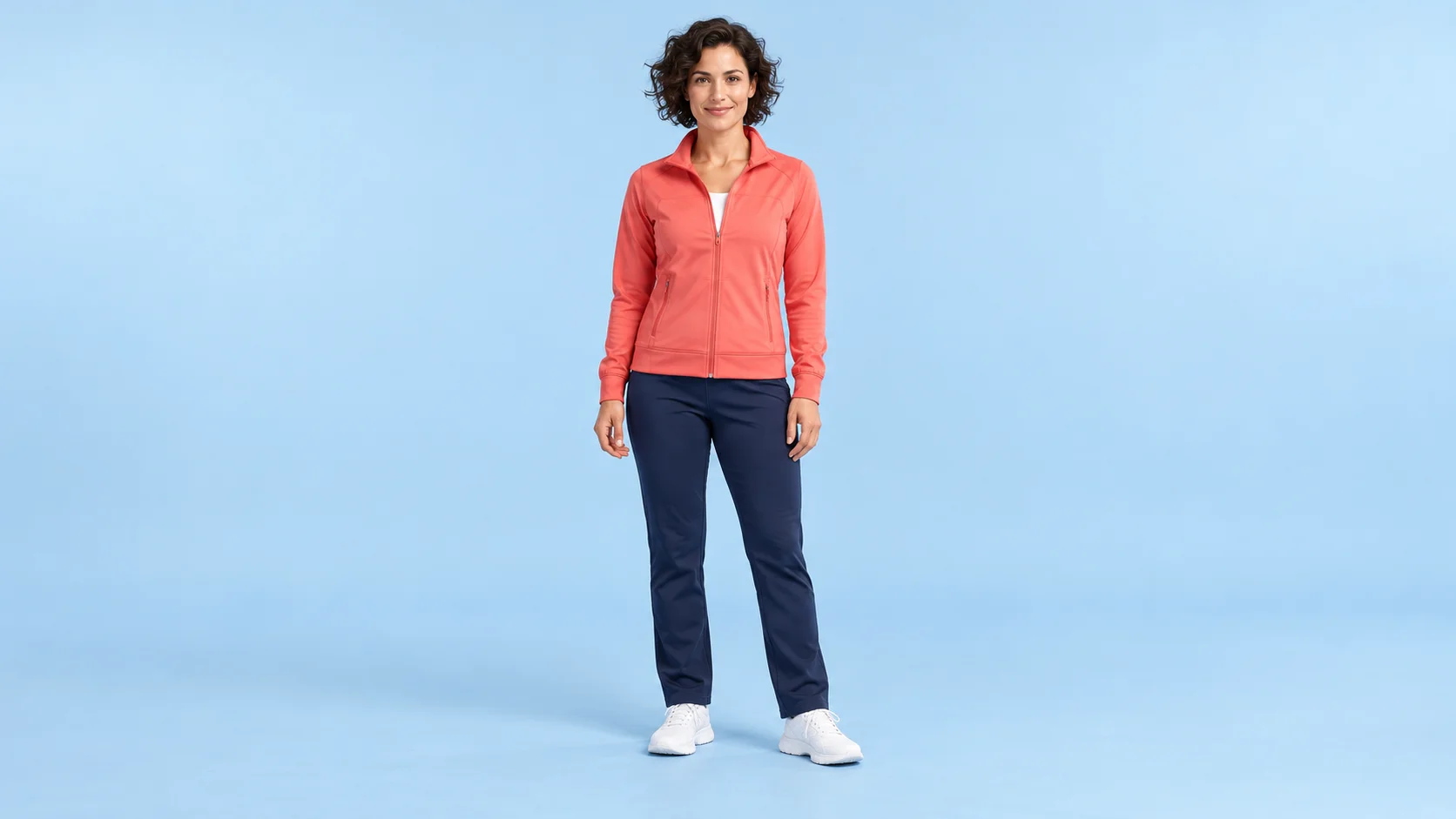
Reference-image idea: keep the face, clothing and shoes visible.
How to make your Bottle Kick Challenge scene
1. Choose a readable appearance
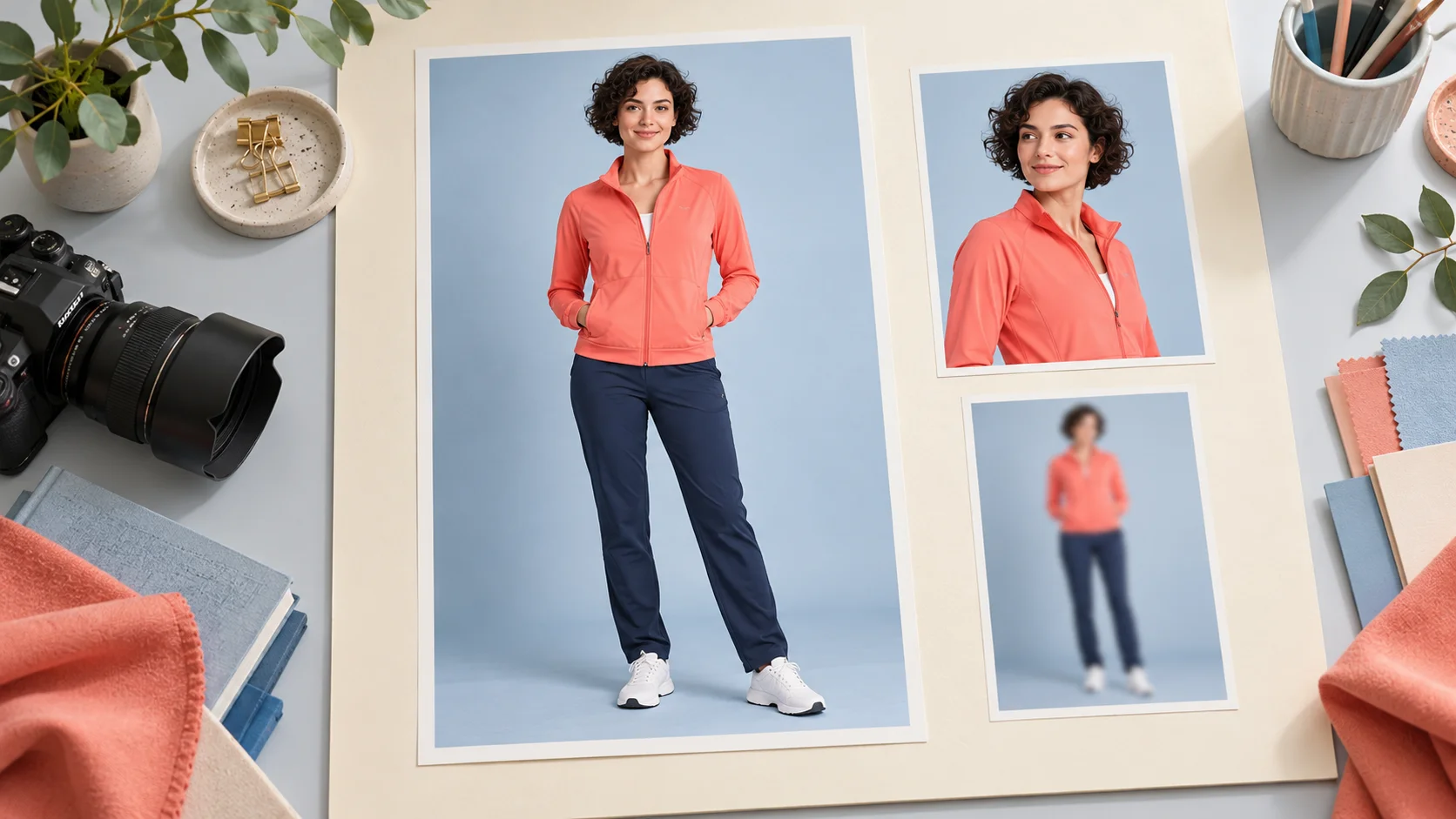
Use one subject with an unobstructed face and clearly separated limbs. A neutral full-body photo is a useful starting point because the outfit, shoes and silhouette are visible together. Our coral-jacket study shows the sort of simple clothing and framing you can prepare.
2. Watch the supplied action
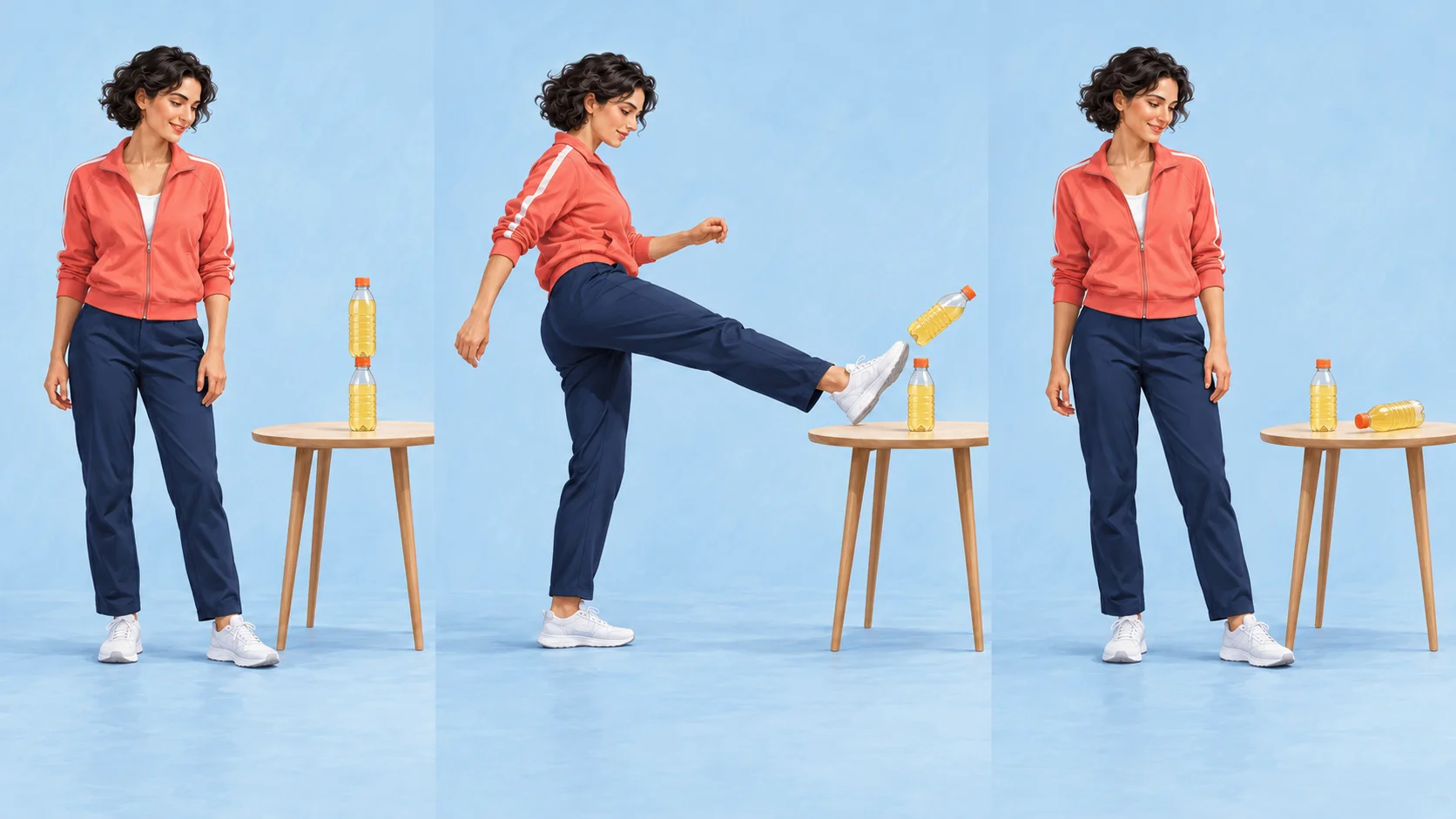
Play the reference before adding your image. Notice the two bottles stacked vertically on the wooden table: the kick moves the upper bottle while the lower bottle stays upright. The approach and recovery establish the scene you are adapting. The background in your photo is not a promise of a new output location.
3. Upload and check the settings
Add the subject through the image slot, then inspect the available duration, frame shape and other options. Read the current credit estimate after changing settings. The quote for this reference-based task can differ from a generic video example or plan price.
4. Review the complete take
When the task finishes, open History and play the clip from beginning to end. Check recognition at the start, the relationship between foot and bottle during the action, and the body shape as the performer recovers. Save the version whose sequence remains understandable.
Prepare the subject before the scene
Choose the clear full-body image as the appearance reference.
A simple source gives you fewer details to chase during a fast movement. Pick an image with natural lighting and a visible outline. Avoid several people pressed together, crossed limbs or clothing that blends into the background. The useful question is whether you can describe the subject’s appearance without guessing what is hidden.
For an illustrated character, keep a coherent body and a single readable face. The same guidance applies to a portrait: an accessory covering the jaw or shoes outside the frame removes useful information. A cleaner reference can help the remake, but it does not guarantee that every detail will stay unchanged.
Read the action as three beats
Review the setup, upper-bottle kick and recovery while the lower bottle remains upright.
Think of the scene as anticipation, action and recovery. A clear setup gives the bottle a position in the frame; the middle needs a readable leg path; the ending needs enough room for the body to settle. The storyboard below is a planning aid for watching those beats.
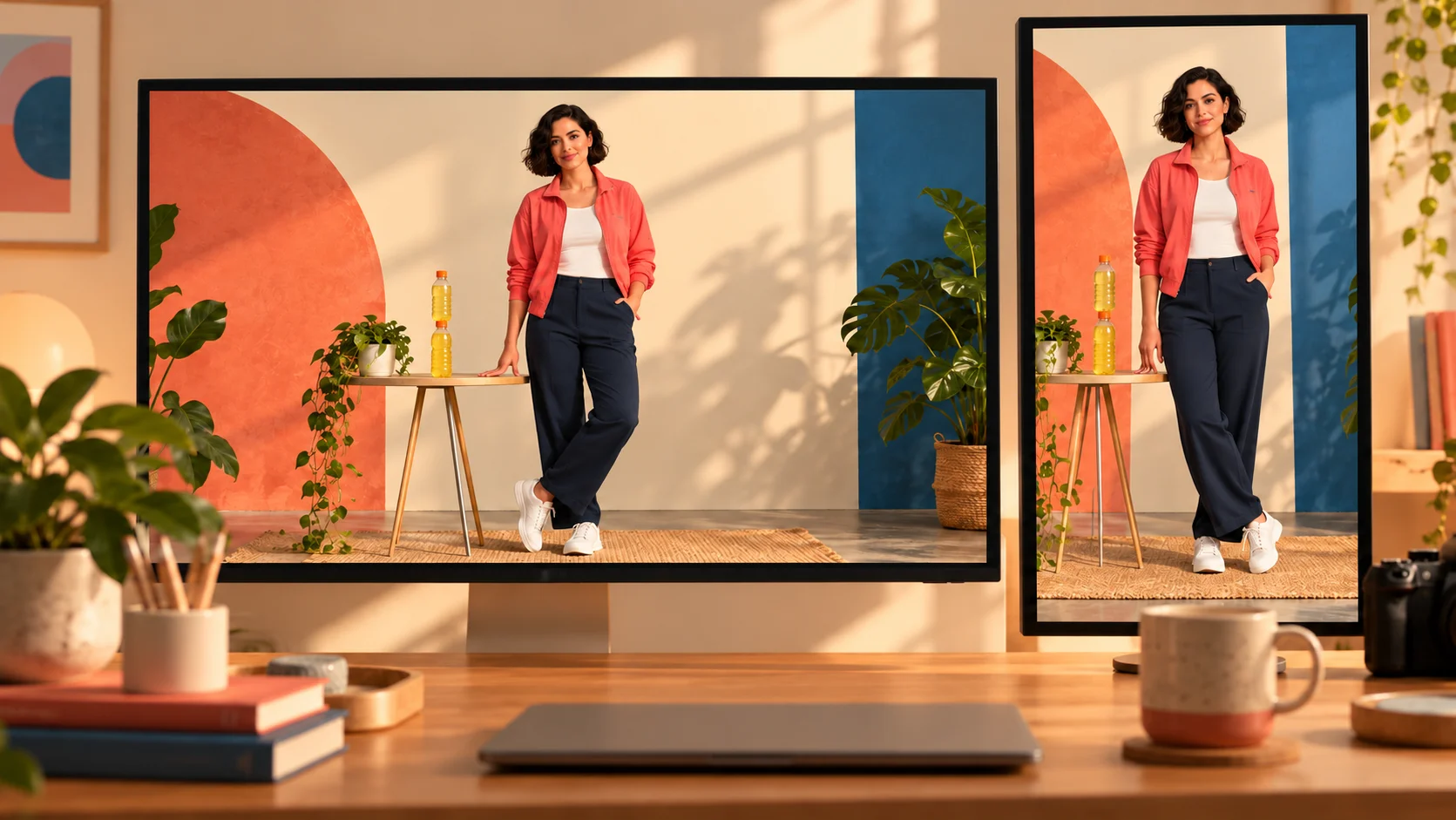
Use the actual reference player to understand this page’s movement. The illustrated studio scene is a composition study, not a second motion preset. This workflow does not include a switch that selects a successful kick, a missed kick or a different comic ending.
Crop around the event, not only the face
Leave enough space for the active foot and the bottle target.
For a short social edit, keep the face, active foot and bottles visible together. A tight portrait crop may look attractive in the first frame and remove the action a moment later. Review the whole clip at the size you intend to share before deciding on its framing.
If you add a caption later, leave space above or beside the action rather than covering the table. Check the closing pose as carefully as the dramatic middle frame. A short, coherent scene is easier to understand than a clip whose subject or target disappears halfway through.
Questions before you start
What does this Bottle Kick Challenge tool do?
It combines one subject image with the page’s fixed motion reference to make a short video remake. The image supplies appearance information while the reference supplies the action. It creates a clip rather than instructions for performing a physical stunt.
Do I need a video or a written prompt?
No extra video is required. Upload one suitable subject image; the reference and direction are already provided. Watch the player so you know which scene you are asking the generator to adapt.
Is it a bottle-cap challenge?
The supplied reference involves stacked bottles on a table. It is not a separate cap-removal preset. Check the preview before starting so your expectations match the actual scene.
Is it free, and what does a clip cost?
Access follows your account and the selected video model’s current policy. This page does not promise a free trial. Check the credit estimate in the form and the current Pricing page before generating; the reference and chosen settings affect the task quote.
How long will I wait?
The model queue, output settings and service conditions affect processing time. Follow the task status and History instead of relying on a fixed completion time. The reference clip’s length is not the time needed to generate your result.
Can I change the scene or choose a fail ending?
This page keeps the supplied reference as its action guide. There is no independent ending selector or background guarantee. For a different creative direction, use a general video workflow and describe that new scene there.
What should I check before saving?
Look for a recognizable face, stable clothing, sensible limbs and a continuous bottle target. Fast movement may produce artifacts. If the image was crowded or heavily cropped, prepare a clearer source before another attempt.